
JSCAPE FTP Server For Windows
Handle multiple protocols and meet any compliance requirement with layers of security
Secure, Lights-Out FTP Service For The Whole Enterprise
Secure FTP Transfers
JSCAPE MFT Server’s intuitive user interface makes it easy to set up and configure FTP clients, SFTP clients and more behind your Windows firewall. Save time and improve reliability with features that make security easy and administrative tools that make management convenient. With JSCAPE, you can:
- Share files internally and externally with ad-hoc file sharing, drop zones and Outlook integration
- Use high-availability, load balancing and passive-active servers for consistency and reliability
- Manage file transfers across on-premises, cloud-based, virtual servers and web servers
- Provide self-service (including web browser and mobile) to users for common transfers and tasks to optimize business value and improve services


Automate File Transfer Workflows
JSCAPE’s Triggers make it easy to automate your file transfer processes without custom scripting. JSCAPE’s low-code workflow automation can be used to trigger processes, collect and prepare data, upload files/download files, alert trading partners and much more. Improve scalability and SLAs by removing manual intervention with secure, hands-off file server software.
Meet Any Compliance Requirement
Protect your file sharing and prevent data breaches with multiple layers of security for end-to-end data encryption. Maintain compliance requirements for HIPAA, PCI, GDPR, SOX and more with reliable capabilities and functionality. With JSCAPE, you can:
- Create secure connections without opening ports, providing secure gateways
- Scan your network and identify any anonymous access points
- Use two-factor authentication, granular permissions and single sign-on to prevent unauthorized access to sensitive transfers
- Gain full visibility into all user and administrative activity, plus get full audit trails for all file transfer activity
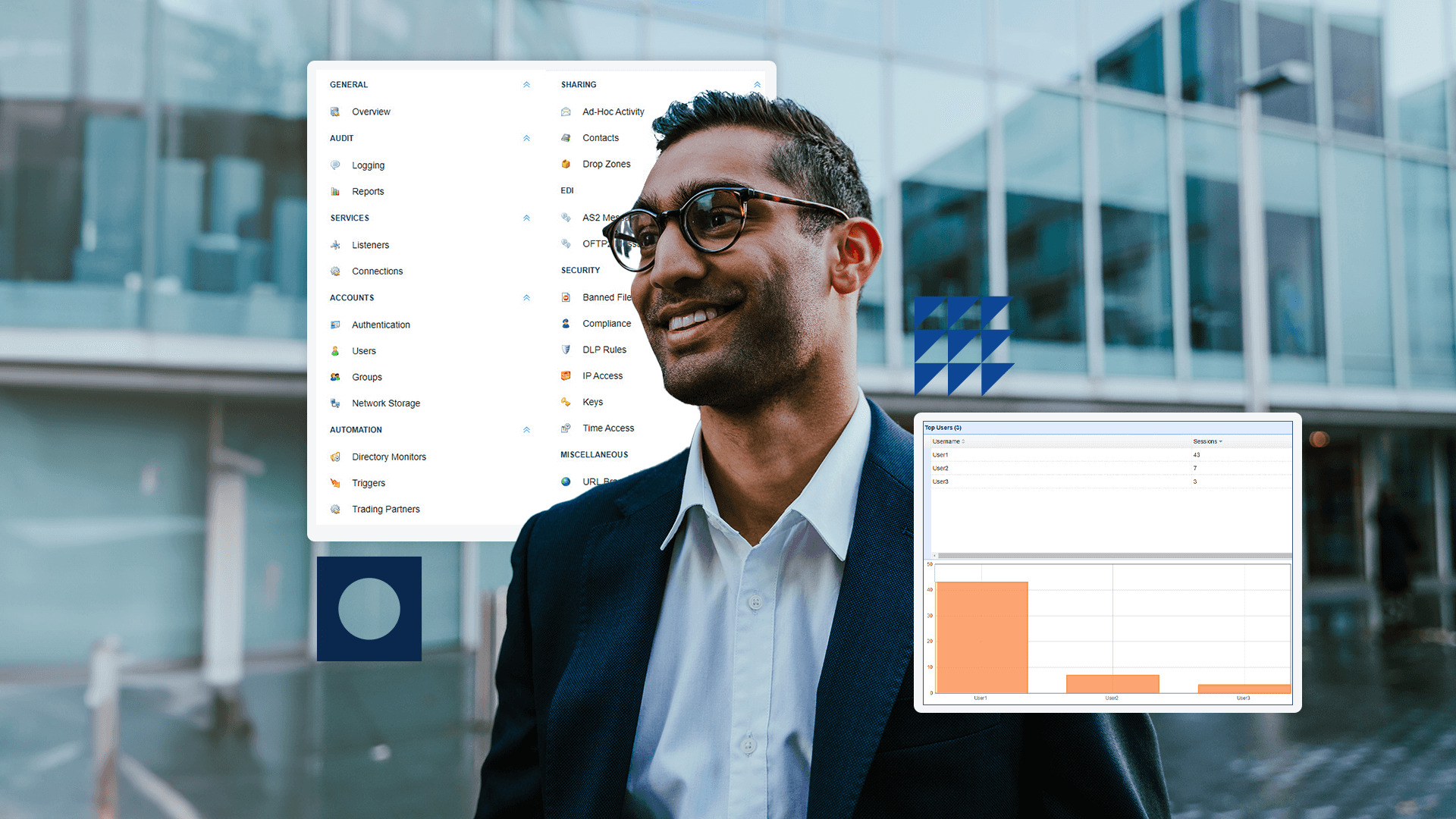

Any Protocol, Any Platform
JSCAPE is a platform-independent MFT solution that works with any operating system and can be deployed on-premises or in the cloud. Connect to any enterprise application using JSCAPE’s REST API and send files anywhere regardless of underlying technology.
- Any File Type: JSCAPE does not impose file size limitations or other restrictions so you can transfer any files you need, including XML
- Any FTP Protocol: JSCAPE works with AS2, FTP/S, SFTP, HTTP/S (TLS/SSL, WebDAV), Cloud and more
- Any Platform: JSCAPE works with any operating system (Windows/Windows Server, Linux/UNIX, Solaris, MacOS X and more), cloud service (Microsoft Azure, AWS and more) or cloud storage
Frequently Asked Questions
What is an FTP server for Windows?
An FTP server provides a basic protocol for transferring files over TCP/IP networks. Most FTP servers can be deployed on the Windows operating system. However, FTP servers often have limited functionality and cannot meet data security requirements without custom scripting, especially for external transfers. An MFT server such as JSCAPE supports FTP and any other protocol while providing more security options.
Do I need an FTP server for Windows?
FTP servers by themselves are not secure. In order to secure an FTP server, you need to implement encryption protocols and this can be done with SFTP server. MFT software also makes it possible to encrypt and authenticate without having to write custom scripts, while supporting a variety of protocols and security layers.
Does JSCAPE’s FTP server support Windows?
Yes, JSCAPE MFT Server provides Windows FTP and supports all file transfer protocols, including SSH FTP. This includes security features such as two-factor authentication, non-repudiation and full visibility into all user and administrative activity. Plus, integrate with Active Directory to authenticate user accounts with LDAP.